

Quick TL;DR Summary
1. This blog lists the best spend management software in India for 2026, focusing on tools that help businesses control and optimize organizational spending.
2. It explains how spend management platforms centralize expense tracking, approvals, and reporting into one unified system.
3. The article highlights key capabilities such as automation, real-time spend visibility, and policy compliance that reduce manual finance effort.
4. Each software solution is evaluated based on features, scalability, usability, and target business size.
5. Readers learn how data-driven insights and analytics help identify cost leakages and improve financial discipline.
6. Overall, the guide helps finance and operations teams select the right spend management tool to streamline workflows and control costs.
Introduction
Imagine having an intelligent assistant that can quickly and efficiently handle all your business expenses. A spend management software is like that, but better.
It can scan your receipts and store them securely, create and approve purchase orders, compare and negotiate prices from different suppliers, manage your subscriptions, and book and reimburse your travel expenses. The solution also integrates with your accounting software and credit facilities, analyzes and reports on your spending data, and helps manage external workforce and contracts.
This video explains the power of spend management software using Happay.
With spend management software, you can unlock your business potential and leave the tedious tasks to the software. There are spend management software that are available out there, but which one is the best?
Read on to find out.
TOP 10 spend management software
10 Best spend management software: A deep dive
Let’s look at the top 10 spend management solutions.
1.Happay
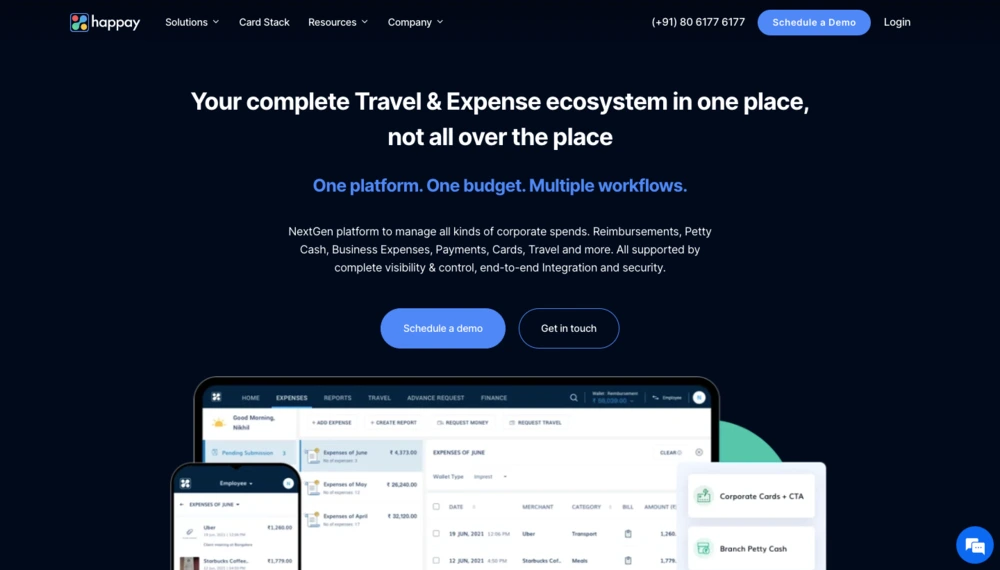
Happay is the only solution that provides users with an all-in-one platform for travel and expenses. With Happay’s cloud-based expense management system, you can manage all your business expenses and capture invoices and payments in a single place. Happay offers you end-to-end spend visibility into claims and reimbursements.
Happay helps organizations stay GST-compliant and helps companies save up to 5% on flight bookings.
Integrations are also a breeze with Happay since it is compatible with various systems across your company, such as ERPs, HRMS, travel management solutions, in-house developed solutions, and even CRMs.
What sets Happay apart is expense management and report filing, which AI completely powers.
In addition, Xpendite captures data from 6+ expense sources and helps auto-populate expense reports. This completely abolishes the need to perform time-consuming tasks manually.
Some of the sources the data can be auto-populated from are:
- SMS
- Corporate credit card statements
- Gmail or Outlook
- Uber
Happay prioritizes mobility and delivers consistent experiences across PCs, desktops, and mobile devices.
1.1 Happay Industries served
Happay serves 7000+ customers across 20+ countries in 40+ industries.
1.2 Happay Market segment
Happay’s spend management software is purpose-built for medium-sized businesses, and enterprises.
1.3 Happay Features
- Smart Audit
- GST compliance
- Happay Xpendite
- ApprovNow
- Happay analytics
- Real-time expense tracking
1.4 Happay Pros
- Straightforward and easy to use
- Real-time cost visibility
- Mobile app
- Excellent cashback
- No hidden and processing costs
1.5 Happay Cons
- The app does not support Mandarin and Japanese languages
- The mobile app does not support offline features currently
1.6 Happay Pricing
Check out the Happay website to know more about features and pricing.
1.7 Happay Ratings
- Ease of use –
- Value for money –
- Expense fraud prevention –
- Spend visibility –
- Analytics and insights –
- Customer support –

2. Volopay
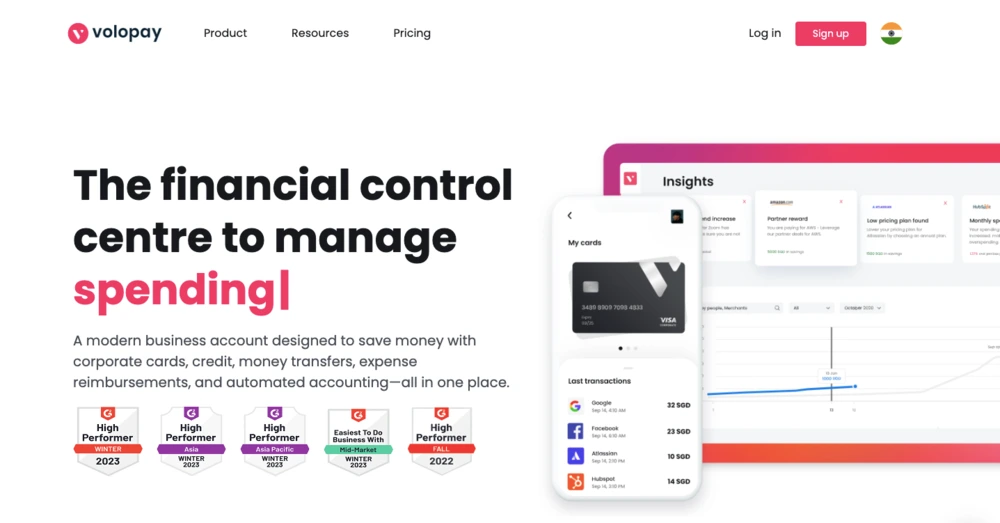
Volopay is a spend management platform that helps businesses make payments for various expenditures, including software subscriptions, petty cash, business travel, online advertising, employee reimbursements, and vendor payouts. In addition, the platform helps businesses easily tackle admin work, lack of control, and no visibility by bringing everything required for payment management in a single place.
2.1 Volopay Industries served
According to G2, Volopay’s solution primarily serves ITES, financial services, marketing, and construction users.
2.2 Volopay Market segment
Volopay’s customer base is made up of primarily small-business to mid-market users.
2.3 Volopay Features
- Smart categorization
- Credit card integration
- E-payments
2.4 Volopay Pros
- Great for fuel monitoring
- Good customer support
- Provides complete visibility into all expenses
2.5 Volopay Cons
- According to multiple G2 reviews, their mobile application is not so easy to use and is bug-prone
- Another user reports that Volopay continuously changes its UI, taking more time to get used to
2.6 Volopay Pricing
Volopay has not made its pricing information public. You can contact them to know more.
2.7 Volopay Ratings
- Ease of use –
- Value for money –
- Expense fraud prevention –
- Spend visibility –
- Analytics and insights –
- Customer support –
3. SAP Ariba
SAP Ariba is a cloud-based procurement platform that helps businesses connect and collaborate with suppliers. It offers a comprehensive suite of solutions that streamline procurement processes to improve collaboration between buyers and suppliers.
Users can manage their entire procurement process, from sourcing and contracting to purchasing and invoicing, using SAP Ariba.
3.1 SAP Ariba Industries served
According to G2, SAP Ariba has users that represent the ITES, oil and energy, and automotive industries.
3.2 SAP Ariba Market segment
SAP Ariba serves enterprise customers.
3.3 SAP Ariba Features
- Procurement automation
- Analytics
- Expense reporting
3.4 SAP Ariba Pros
- Cloud-based platform
- Highly customizable
- Real-time requisition and receipt updates
3.5 SAP Ariba Cons
- According to a G2 reviewer, SAP Ariba makes it challenging to integrate with non-SAP systems.
- Another reviewer states that the implementation process is tricky
3.6 SAP Ariba Pricing
SAP Ariba has not made their pricing information available. You can contact them to get a custom quote.
3.7 SAP Ariba Ratings
- Ease of use –
- Value for money –
- Expense fraud prevention –
- Spend visibility –
- Analytics and insights –
- Customer support –
4. Coupa
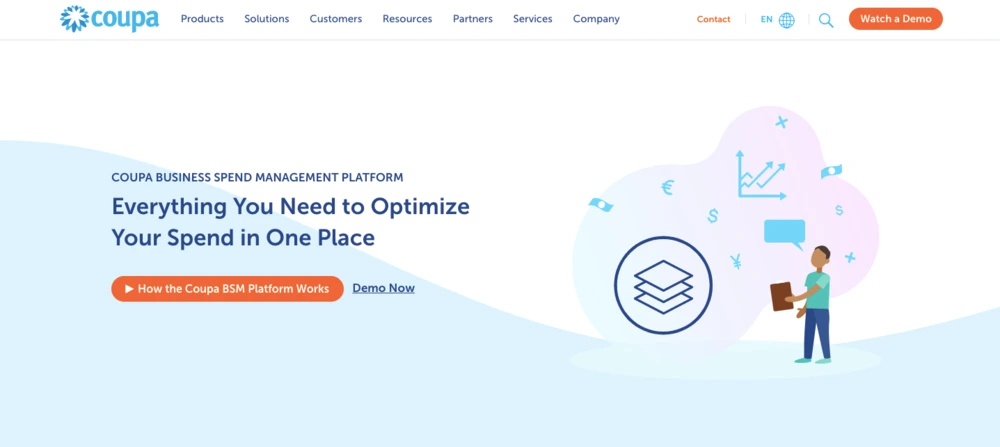
The Coupa platform empowers you to take control of your spending and position your business for growth. You can start your spend management practice with the most critical areas of your business today and grow on the platform as your needs change.
You can gain unparalleled control and visibility by having a single source for all your spending management needs. In addition, Coupa integrates with ERP systems, enabling you to accelerate financial processes, ensure compliance, and control spending by giving everyone in your organization a unified way to make purchases.
4.1 Coupa Industries served
According to G2, Coupa has users in the computer, higher education, and retail industries.
4.2 Coupa Market segment
Coupa primarily serves mid-sized businesses to large enterprises.
4.3 Coupa Features
- Spend management
- Invoicing
- Batch processing
- Performance management
4.4 Coupa Pros
- Flexible and intuitive platform
- Simplifies AP management
- Easy to learn and use
4.5 Coupa Cons
- According to a G2 reviewer, Coupa displays incorrect approval information at times
- Another reviewer on G2 states that the system starts to get clunky when you start adding more regions to it
4.6 Coupa Pricing
You can contact the team at Coupa to learn more about their pricing.
4.7 Coupa Ratings
- Ease of use –
- Value for money –
- Expense fraud prevention –
- Spend visibility –
- Analytics and insights –
- Customer support –
5. GEP SMART
GEP SMART procurement software unifies direct and indirect spend management into a single, cloud-native platform. It includes a comprehensive range of procurement tools built into one system, eliminating the need for separate, stand-alone software, modules, or tools for managing specific functions.
As a result, GEP SMART streamlines the end-to-end procurement process, accelerating digital transformation, elevating your procurement team’s performance to a new level, and enhancing its strategic reach and impact on the business.

5.1 GEP SMART Industries served
According to their official website, GEP SMART serves the automotive, chemicals, oil and gas, and retail industries.
5.2 GEP SMART Market segment
GEP SMART has customers from mid-sized businesses to large enterprises.
5.3 GEP SMART Features
- Hassle-free integrations
- Mobile app
- Robotic Process Automation (RPA) for time-consuming tasks
5.4 GEP SMART Pros
- User-friendly
- Great supplier relationship management functionality
- Fully optimized mobile application on Android and iOS
5.5 GEP SMART Cons
- According to a G2 reviewer, the solution slows down at times
- Its high cost of implementation makes it unaffordable for smaller businesses
5.6 GEP SMART Pricing
GEP SMART has not listed its pricing information. Contact them to know more.
5.7 GEP SMART Ratings
- Ease of use –
- Value for money –
- Expense fraud prevention –
- Spend visibility –
- Analytics and insights –
- Customer support –
6. Sage Intacct
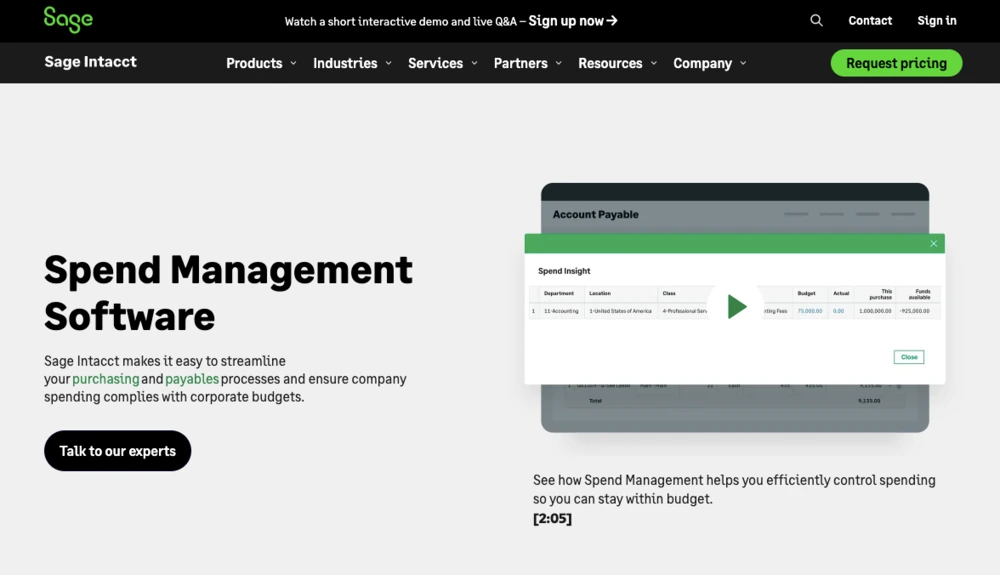
Sage Intacct provides an array of core accounting applications, including a general ledger, accounts payable, accounts receivable, cash management, and order management to any accounting department or finance team.
It also offers functionality for built-in dashboards, real-time reporting, time and expense management, project accounting, revenue management, and global consolidations for multiple entities.
6.1 Sage Intacct Industries served
According to G2, Sage Intacct serves the accounting, healthcare, and ITES industries.
6.2 Sage Intacct Market segment
Sage Intacct serves customers across various companies, from small to mid-sized businesses and enterprises.
6.3 Sage Intacct Features
- Journal entries
- Audit trail
- Custom invoices
6.4 Sage Intacct Pros
- User-friendly
- Fast and easy to navigate
6.5 Sage Intacct Cons
- According to a G2 reviewer, the system interface is not intuitive enough
- Another reviewer states that developing financial reports is challenging
6.6 Sage Intacct Pricing
Sage Intacct provides a free trial. You can get in touch with them to know more about their pricing.
6.7 Sage Intacct Ratings
- Ease of use –
- Value for money –
- Expense fraud prevention –
- Spend visibility –
- Analytics and insights –
- Customer support –
7. Mesh
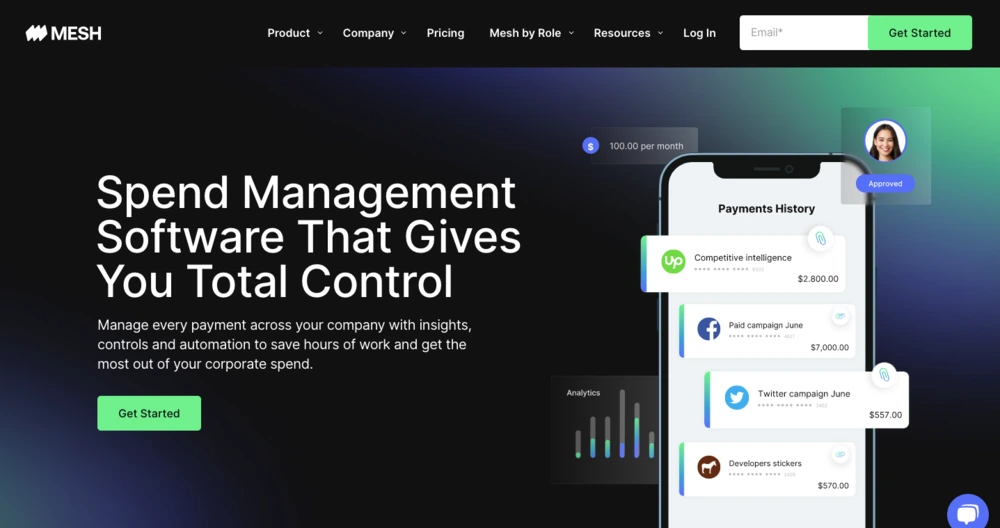
Mesh is a comprehensive spend management platform. It issues physical and virtual corporate debit cards for employees, with customizable spend controls and a consistent cashback rate. Mesh payments also give finance teams insight and control over their corporate spending with features such as vendor locks, real-time alerts, and custom fields.
7.1 Mesh Industries served
According to G2, the solution serves the marketing, accounting, and financial services industries.
7.2 Mesh Market segment
Mesh has customers across small to medium-sized businesses.
7.3 Mesh Features
- Automated reminders
- Automatic categorization of spending and collections
- Custom insights throughout the payment workflow
- Digital receipt management
7.4 Mesh Pros
- Convenient and user-friendly
- Flexible virtual card system
7.5 Mesh Cons
- According to a G2 reviewer, users cannot view a history of declined transactions
- Another reviewer states that the solution has limited training materials available to get started
7.6 Mesh Pricing
Mesh has various plans, depending on user needs. Contact them to know more.
7.7 Mesh Ratings
- Ease of use –
- Value for money –
- Expense fraud prevention –
- Spend visibility –
- Analytics and insights –
- Customer support –
8. Airbase
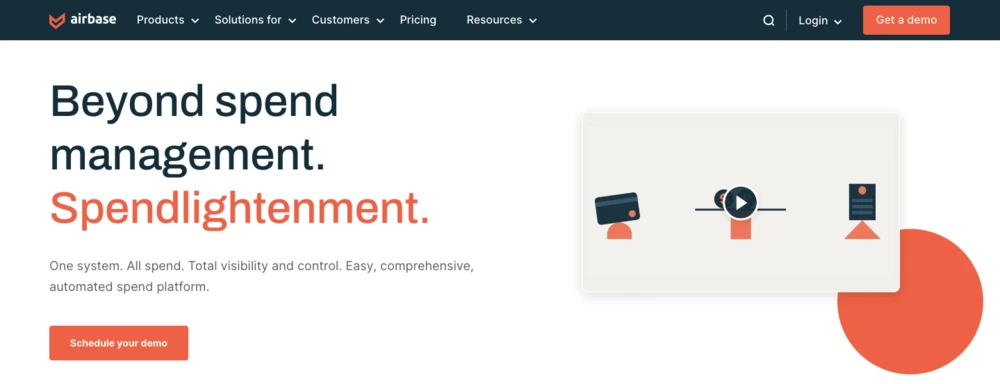
Airbase is a spend management platform for companies at any stage, from startups to soaring IPOs and beyond. It combines accounts payable, a corporate card program, and employee expense reimbursements in one system. Whether you use them separately or together, each product delivers your desired functionalities.
And when used together, you get a smooth and efficient platform experience for non-payroll spending. In addition, Airbase streamlines accounting and approval workflows, giving you complete visibility and control, quicker close, real-time reporting.
8.1 Airbase Industries served
According to G2, Airbase serves the financial services, automotive, ITES, and computer software industries.
8.2 Airbase Market segment
Airbase primarily has customers in the mid-market space, with a few small businesses and enterprises also using the solution.
8.3 Airbase Features
- User role and access management
- Electronic payments
- Employee reimbursements
- Digital receipt management
8.4 Airbase Pros
- Easy to set up and start using
- Integration with multiple payment methods
- Accurate expense tracking feature
8.5 Airbase Cons
- A G2 reviewer faced issues getting the SSO integration up and running
- Another reviewer states that they would like a more refined purchase order functionality
8.6 Airbase Pricing
Airbase has three pricing editions. Contact their team to learn more about the solution and exact pricing.
8.7 Airbase Ratings
- Ease of use –
- Value for money –
- Expense fraud prevention –
- Spend visibility –
- Analytics and insights –
- Customer support –
9. Brex
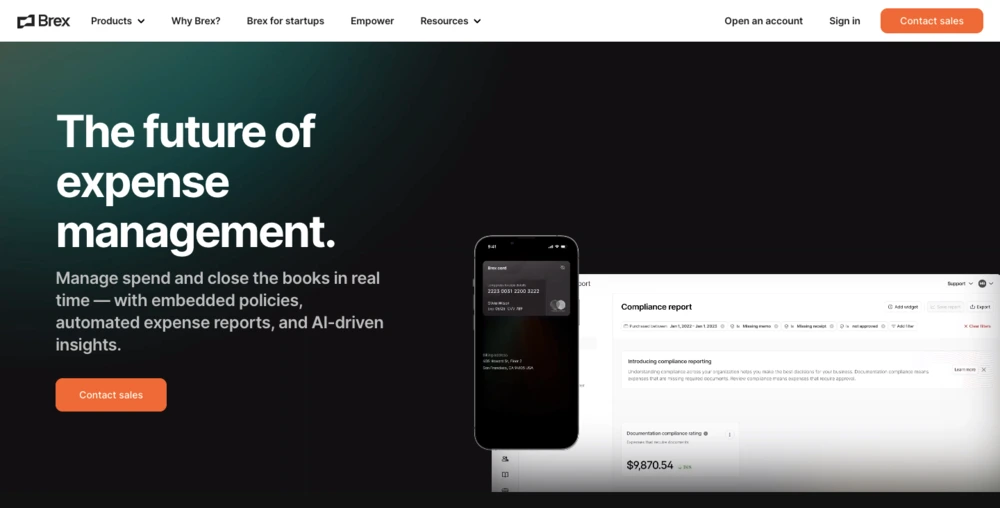
Brex is an all-in-one card, capital, payment, and spend management solution that simplifies the expense management process for businesses. It offers features such as corporate credit cards, receipt capturing, expense policies, fraud protection, reimbursements, multi-currency support, accounting integrations, and more.
Brex also provides flexible spending limits, real-time visibility, and automated workflows to help customers manage their cash flow, expenses, budgeting, and reporting.
9.1 Brex Industries served
According to G2, Brex primarily serves the computer software, retail, marketing, and ITES industries.
9.2 Brex Market segment
Brex primarily serves small to medium-sized businesses and a few enterprises as well.
9.3 Brex Features
- Real-time visibility
- Multi-currency support
- Expense policy exceptions
- Flexible spend limits
9.4 Brex Pros
- Easy to track business expenses
- Easy to use
- Real-time visibility and control over business spending
9.5 Brex Cons
- A G2 reviewer states that Brex does not support the Safari web browser
- Another reviewer states that cheques take long to deposit
9.6 Brex Pricing
Brex has various pricing models but has not made this information available publicly. However, you can get in touch with them to know more.
9.7 Brex Rating
- Ease of use –
- Value for money –
- Expense fraud prevention –
- Spend visibility –
- Analytics and insights –
- Customer support –
10. Precoro
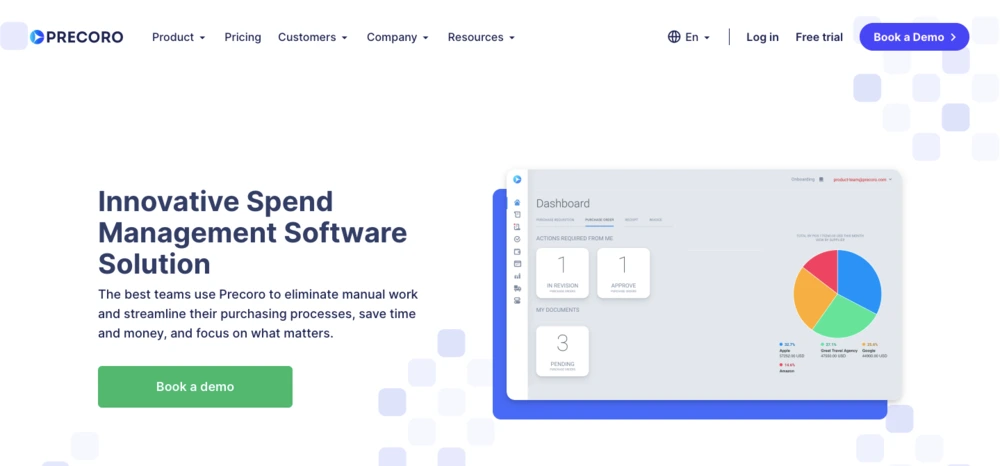
Precoro’s spend management solution helps small and midsize businesses streamline their purchasing processes, save time and money, and focus on what matters. It offers features such as purchase requests, budget management, approval workflow, sourcing, billing, and spending analytics. Their solution also integrates with accounting software and provides real-time visibility, control, and compliance over business spending.
10.1 Precoro Industries served
According to G2, Precoro primarily serves marketing, ITES, retail, and the food production industries.
10.2 Precoro Market segment
A majority of Precoro’s customers are small to medium-sized businesses.
10.3 Precoro Features
- Performance benchmarks
- Process planning
- Spend analytics
- Receipt of goods
10.4 Precoro Pros
- Easy to understand and clean user interface
- Easy to set up
- Improves workforce productivity
10.5 Precoro Cons
- A G2 reviewer feels that Precorio can add a few categories in the filter fields
- Another reviewer states that they couldn’t add SSO due to incompatibility
10.6 Precoro Pricing
Precorio costs $35 for small businesses. You can get in touch with them to learn more.
10.7 Precoro Rating
- Ease of use –
- Value for money –
- Expense fraud prevention –
- Spend visibility –
- Analytics and insights –
- Customer support –

What is spend management software?
Spend management software helps organizations manage their spending more effectively and efficiently.
It has tools and features that let companies track and analyze spending and patterns, drill down on overspends, spot inefficiencies, and implement strategies to reduce costs.
It has key features such as:
- Spend analysis
- Procurement management
- Budget tracking
- Vendor management
- Reporting and analytics
These functionalities let organizations streamline their procurement processes, monitor spending against budgets, negotiate better terms with vendors and suppliers, and track spending trends to spot cost-saving opportunities for cost savings and optimize spending strategies.
What exactly does spend management software do?
Spend management software is designed to help organizations manage their spending more effectively by providing various tools and features to support this process.
Here are some of the specific functions that spend management software typically performs:
1. Spend analysis
Spend management software allows organizations to collect and categorize data on their spending patterns and behaviors. This helps identify areas of overspending or inefficiency and enables organizations to develop strategies to reduce costs and optimize their spending.
2. Procurement management
Spend management software streamlines procurement processes, including sourcing, ordering, and payment. This reduces the time and effort required to manage procurement and ensures that the organization gets the best value for money from suppliers.
3. Budget tracking
Spend management software enables organizations to monitor their spending against budgetary constraints. This helps identify areas where costs can be reduced and ensures that the organization stays within its financial limits.
4. Vendor management
Spend management software helps organizations manage their relationships with vendors and suppliers more effectively. This includes negotiating better terms and reducing costs associated with procurement.
5. Reporting and analytics
Spend management software provides detailed reports and analytics that enable organizations to track spending trends, identify opportunities for cost savings, and optimize their spending strategies.
Benefits of using spend management software
Spend management software offers numerous benefits to organizations. Here are some of the key advantages:
1. Cost savings
Spend management software lets organizations identify areas of overspending or inefficiency and develop strategies accordingly to reduce costs. Organizations can save money and improve their financial performance by streamlining procurement processes, negotiating better terms with vendors, and optimizing spending.
2. Improved efficiency
Spend management solutions help organizations manage their spending more efficiently by automating procurement processes, reducing paperwork, and providing better visibility into spending patterns.
3. Better decision-making
The solution provides detailed reports and analytics that enable organizations to make better-informed spending decisions. Tracking spending trends, identifying opportunities for cost savings, and optimizing spending strategies help organizations use their resources better and improve their financial performance.
4. Enhanced compliance
It helps organizations comply with regulatory requirements and internal policies. It ensures that spending aligns with regulations and policies, which helps organizations avoid penalties and reputational damage.
5. Increased transparency
The software provides better visibility into spending patterns and enables organizations to track spending at a granular level. This enhances transparency and accountability, making detecting and preventing fraud or other irregularities easier.
How to choose the best spend management software for your business?
Choosing the best spend management software for your business can be a difficult task.
Here are some key factors to consider when evaluating different options:
- Business needs
The first step in choosing spend management software is identifying your organization’s needs. For example, consider your company’s size, procurement process complexity, and spending volumes. Next, make a list of the key features and functions that your organization requires.
- Ease of use
The solution should be intuitive and easy to use. Look for software that has a user-friendly interface and requires minimal training.
- Integration
The software you choose should integrate with your organization’s existing systems, such as your accounting or ERP systems. This ensures that data is shared across systems and reduces the risk of errors.
- Customization
Look for spend management software that can be customized to meet your organization’s specific needs. This may include customizing fields and workflows to match your company’s procurement processes.
- Reporting and analytics
Spend management software should provide detailed reports and analytics that enable you to track spending patterns and identify opportunities for cost savings.
- Support and training
Choose a software that offers comprehensive support and training. This ensures that your staff is adequately trained and you can get the help you need if you encounter any issues.
- Security
Spend management software should be secure and comply with industry standards for data protection. Look for software that includes encryption, access controls, and regular security updates.
How Happay’s Expense Management Software Can Help Grow Your Business?
1. Drive Financial Visibility and Control
Happay centralizes all travel and expense data into one intelligent platform, giving finance leaders real-time spend visibility across teams, projects, and departments. This empowers data-driven decision making and helps identify cost optimization opportunities that fuel growth.
2. Reduce Cost Leakage and Fraud
SmartAudit, Happay’s AI audit engine, automatically detects duplicate claims, out-of-policy expenses, and tampered receipts at the point of submission. By preventing leakage before it happens, businesses can retain more of their hard-earned revenue and improve margins.
3. Accelerate Expense Processing and Approvals
Automated workflows and multi-level approvals cut down reimbursement cycle times from weeks to hours. Faster processing means employees spend more time on strategic work and less time tracking receipts, boosting productivity.
4. Improve GST Compliance and Tax Recovery
Happay’s built-in GST engine captures GST details from invoices, verifies vendor GSTINs, and helps recover input tax credits seamlessly. This not only improves compliance but also increases cash flow that businesses can reinvest for growth.
5. Enhance Strategic Spend Decisions
Real-time dashboards and analytics highlight spending trends, policy violations, and budget variances. Leaders gain actionable insights that support smarter budgeting, forecasting, and cost allocation across the organization.
6. Scale Operations with Confidence
Designed for mid-sized and large enterprises, Happay scales with your business needs, supports complex workflows, and integrates with ERP and HR systems, enabling seamless growth without operational bottlenecks.

Conclusion
With spend management tools, companies can supercharge efficiency and productivity. The benefits are simply countless.
Many solutions do this, but only a few do it right. If you prioritize reliability, security, and overall usability, Happay is the best solution for your needs.
FAQs
Businesses need spend management software to gain visibility into their spending, control costs, and improve efficiency. Spend management software can help businesses track and analyze their spending data, identify areas where they can save money, and automate processes to free up time and resources.
Spend management software can help control costs by providing businesses with a centralized view of their spending. This allows businesses to identify unnecessary expenses, set spending limits, and approve or deny expenses before they are incurred.
The key features of spend management software include:
1. Expense tracking: This allows businesses to track all of their expenses, including travel, meals, and office supplies.
2. Vendor management: This allows businesses to manage their relationships with vendors, including tracking invoices, payments, and contracts.
3. Procurement optimization: This helps businesses find the best deals on goods and services.
4. Reporting and analytics: This provides businesses with insights into their spending patterns so they can identify areas where they can save money.
5. Workflow automation: This helps businesses automate tasks such as expense approvals and vendor payments.
6. Compliance: This helps businesses comply with regulations such as Sarbanes-Oxley and PCI DSS.
Yes, spend management software can integrate with other business tools, such as accounting software, CRM software, and ERP software. This allows businesses to share data between systems and get a more holistic view of their finances.
Yes, spend management software is suitable for small businesses. There are many affordable and easy-to-use solutions available on the market.
The typical implementation process for spend management software includes:
1. Needs assessment: The first step is to assess the business’s needs and requirements.
2. Selection: Once the needs have been assessed, the business can select a suitable solution.
3. Implementation: The next step is to implement the solution and train users.
4. Ongoing support: The final step is to provide ongoing support to users and ensure that the solution is meeting the business’s needs.
Yes, spend management software can provide real-time spending insights. This allows businesses to track their spending as it happens and identify areas where they can make adjustments.
Yes, spend management software can help with procurement optimization. This can be done by helping businesses find the best deals on goods and services, negotiate better prices with vendors, and track supplier performance.
Spend management software can handle expense tracking and reporting in a variety of ways. Some solutions allow businesses to track expenses manually, while others allow businesses to scan or upload receipts electronically. Most solutions also provide reporting capabilities that allow businesses to analyze their spending data.
Yes, spend management software is customizable to meet specific business needs. Most solutions offer a variety of features and settings that businesses can configure to their specific requirements.
The cost considerations for implementing spend management software vary depending on the size and complexity of the business, the features and functionality of the solution, and the level of support required.
Yes, spend management software can help with vendor management and negotiation. This can be done by helping businesses track vendor performance, identify potential cost savings, and negotiate better prices.
Spend management software typically uses a variety of security measures to protect sensitive financial data, such as encryption, access controls, and auditing.
Training and support are typically available for users of spend management software. This can be provided by the software vendor or by a third-party provider.
The ROI potential of using spend management software varies depending on the business, but it can be significant. Some businesses have reported savings of up to 20% of their spending after implementing spend management software.
Yes, spend management software can help with compliance and audit requirements. This can be done by providing businesses with a centralized
Spend management software can address the needs of mobile and remote workforces by providing mobile apps or web-based interfaces, enabling users to submit expenses, approvals, and access financial data from anywhere with an internet connection. This flexibility is especially important in today’s work environment.